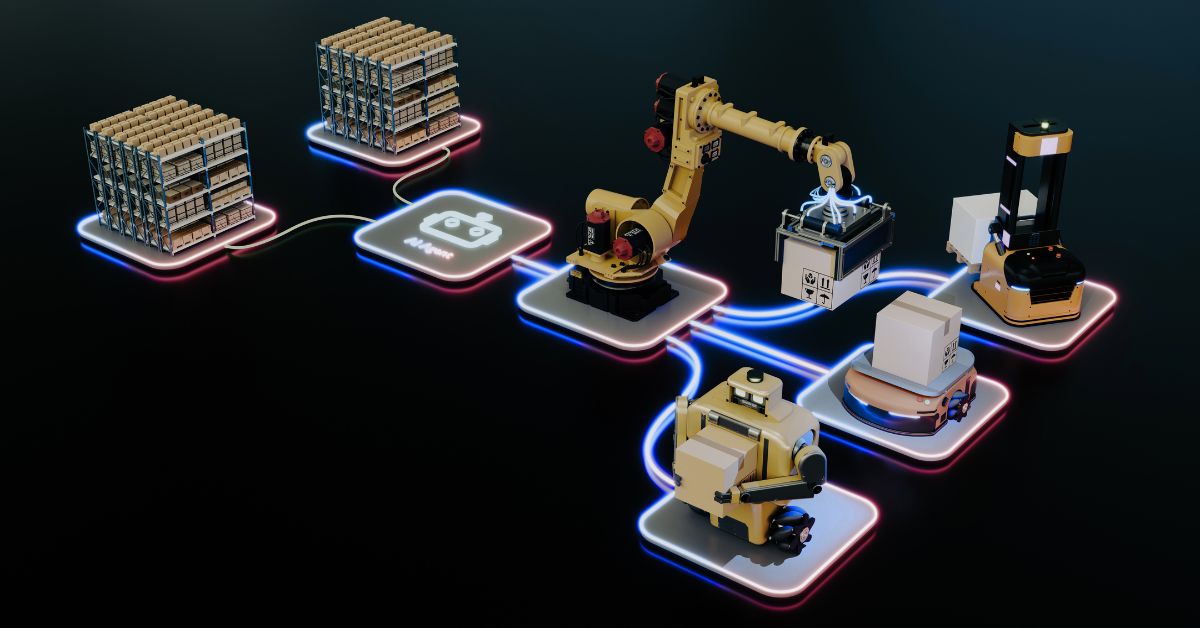
Direct mail might end up in a physical mailbox, but the work behind it doesn’t have to be manual. From preparing customer data and generating documents to triggering print jobs and tracking delivery, most of the process can now happen automatically.
For businesses sending regular invoices, statements, customer letters or marketing campaigns, the difference this makes can be huge. Fewer manual steps mean less time spent digging through and moving files around, fewer opportunities for mistakes and a mailing operation that can scale without creating equal growth in your team’s workload.
The real opportunity, though, goes beyond speeding up individual tasks. When automation is connected to the systems your business already uses, direct mail becomes a more integrated, reliable part of your wider operation. Let’s get into it.
What Does Direct Mail Automation Actually Mean?
Let’s first think about how a mailing process typically works without automation. Someone exports customer data from a CRM or finance system, checks the file, prepares documents, sends everything to a print provider and waits for confirmation. They may then need to update records manually, reconcile completed jobs or investigate missing information.
Of course, each step takes time, and every handover also creates an opportunity for something to go wrong.
Direct mail automation replaces these repetitive actions with a defined workflow. Data is collected, validated, prepared for production and processed through to reporting with just about no manual intervention – especially if you’re working with a professional mailing house like bakergoodchild.
That doesn’t mean people are removed from the process altogether. Teams still need to manage exceptions, review information where necessary and make judgement calls. The aim is, ultimately, to reduce the admin work of mailing so your talented people can focus on the tasks that genuinely need their attention.
For businesses sending mail regularly, even small improvements can add up. Less time spent preparing files or correcting avoidable errors equals faster turnaround, more consistent output and better use of internal resources.
How Automated Mailing Workflows Work
Automation is most effective when it covers the whole process rather than one isolated task. At bakergoodchild, this is supported by our in-house Automated Data Processing System (ADPS), which we can customise to suit individual client requirements.
A typical workflow includes the following connected stages.
1. Data collection
Customer data enters the process through a secure transfer method, such as SFTP or an API connection. No need for staff to download files and manually pass them between systems.
2. Validation and data quality checks
Before anything goes to print, data is checked for any issues that could affect production or delivery. Address validation, deduplication and other data-cleansing measures all help ensure that records are correct and up-to-date.
3. Production preparation
The system then prepares data for production and postage. This can include streaming and mail sorting, along with document composition and the addition of possible production controls, like barcodes.
4. Reporting and tracking
Maintaining visibility is still prioritised when things are automated. Batch and item tracking are used to provide visibility into the process, while reporting helps businesses understand what’s been processed. A digital audit trail also supports accountability and makes it easier to investigate queries.
For more complex requirements, workflows can incorporate additional services like digital archiving, hybrid mail, secure email delivery and returns scanning.
The important point is that these stages can operate as a connected process rather than a series of separate jobs that someone on the team has to coordinate manually.
API Integration: Connecting Direct Mail to Your Existing Systems
Automation manages tasks within a workflow; integration allows systems to communicate and move information between them without repeated manual input.
An application programming interface (API) lets software systems exchange data and trigger actions. In mailing, that means your CRM, finance platform, e-commerce system, or other business application connects directly to your mailing provider.
So instead of mail happening as a separate process that begins when someone uploads a file, communications become part of your existing business workflow.
For example, when a new customer is created in a CRM, that event could trigger a welcome letter. When an invoice is raised in an invoicing or e-commerce platform, the relevant document could be sent into the print-and-mail process. A business could also query the status of a letter and return that information to its own CRM.
These are practical ways to connect physical communications with the systems that already manage your customer relationships and business transactions.
The exact workflow will depend on the software involved, the data available, and the organisation’s requirements, but the principle is straightforward. Information should move between systems in a controlled, consistent way, without people having to repeatedly transfer or re-enter it.
The Operational Benefits of Automating Mail
Time savings are the most obvious advantage, but a well-designed automated workflow can positively impact a business in a number of ways. Here are the most important, beyond the time aspect we’ve already discussed:
Fewer manual errors
Repeated data entry, file handling and manual preparation create opportunities for mistakes. Automated validation and consistent processing reduce these risks, although the quality of the original data and the design of the workflow still matter.
More consistent processes
When jobs follow defined steps, individual team members don’t need to be depended on to remember every task or follow a slightly different process each time.
Better visibility
Tracking, reporting and audit trails make it easier to understand what’s happened to a mailing, investigate queries and maintain a record of the whole process.
Greater capacity to scale
Manual work often increases as mailing volumes rise. Automation lets businesses process more data without a proportional increase in the repetitive effort, so they can accommodate changing demand and growth without the whole team groaning.
More productive teams
It’s a no-brainer – when staff spend less time preparing files, chasing updates and moving info between systems (pretty boring stuff when done manually), they have more capacity for customer service, analysis and other higher-value work.
Make Direct Mail Work More Efficiently
Direct mail remains a physical channel (which is a large part of its appeal), but the processes behind it can be connected, automated and carefully managed. By modernising with secure data transfer, automated processing, system integration and end-to-end tracking, businesses can knock out repetitive work while simultaneously improving consistency and visibility.
The key is to look at the whole workflow, not just the point where a document is printed.
At bakergoodchild, we provide customisable automation and integration services, built around our in-house Automated Data Processing System and designed to connect with the systems businesses already use.
Explore our automation and integration services or call us on 0800 612 1972 to find out how a more connected approach could work for your organisation.